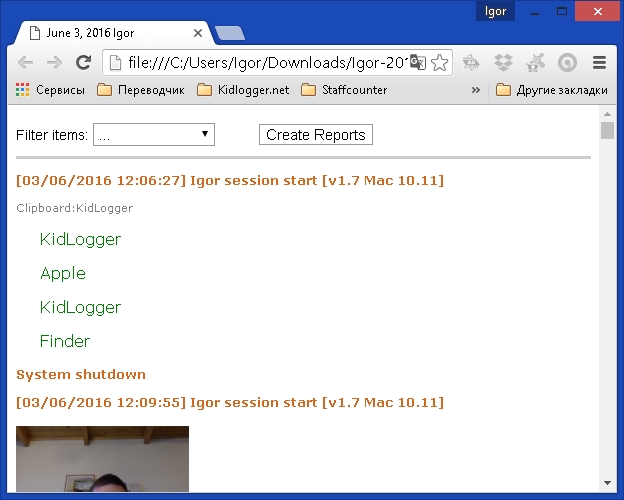
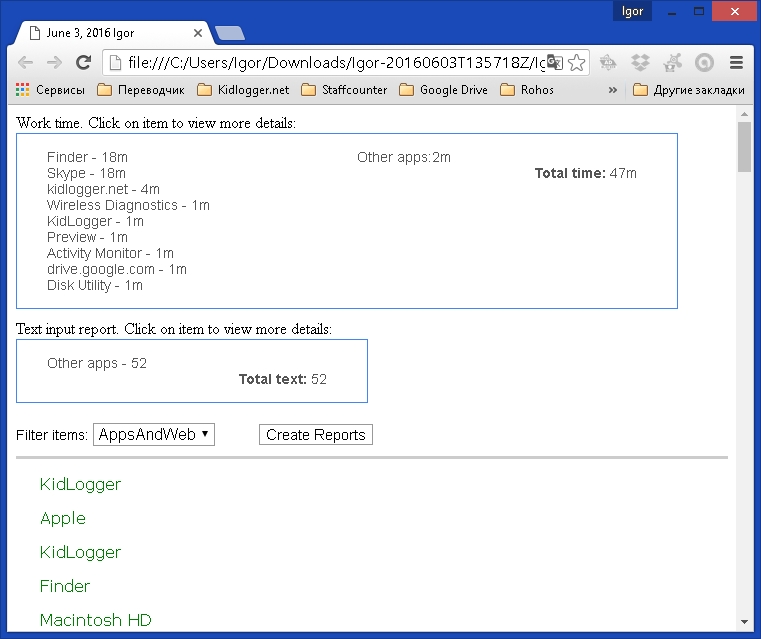
It is now possible to create local reports in Kidlogger for Mac OS. Click the View button in the main application window and you will see two small fields at the top of the log file:
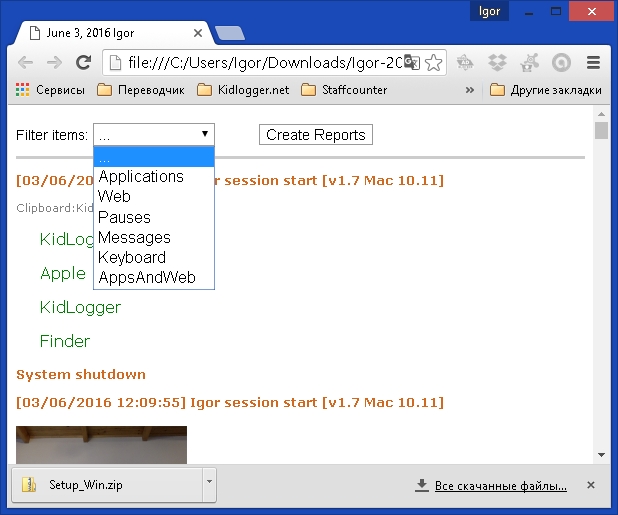
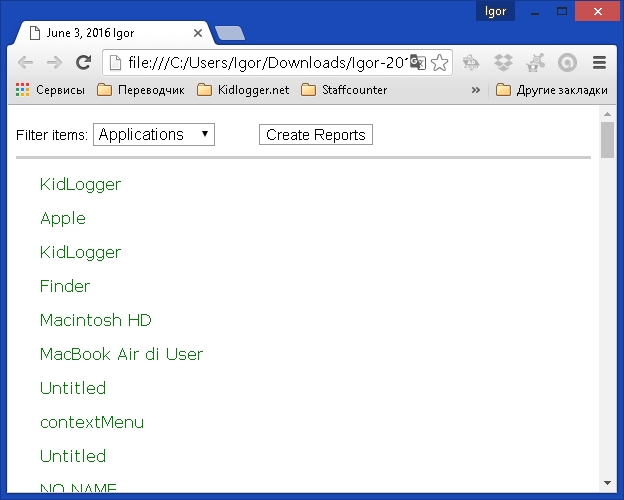
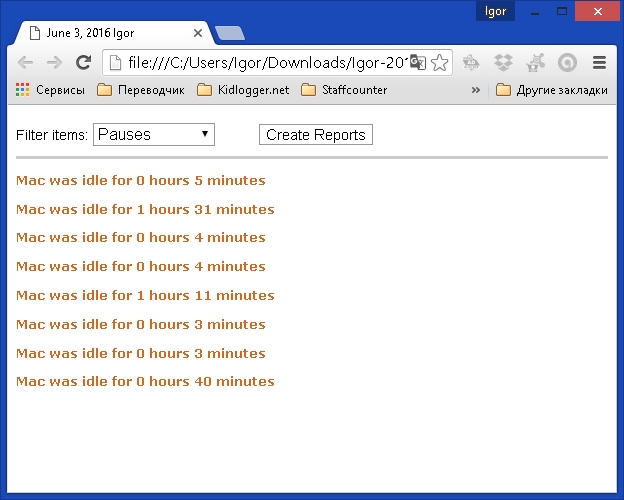
Here you can select what tracking you want to see: applications only, web use, pauses or keystrokes:
By clicking on the Create Report button, you obtain a small report about how long each application has been used.
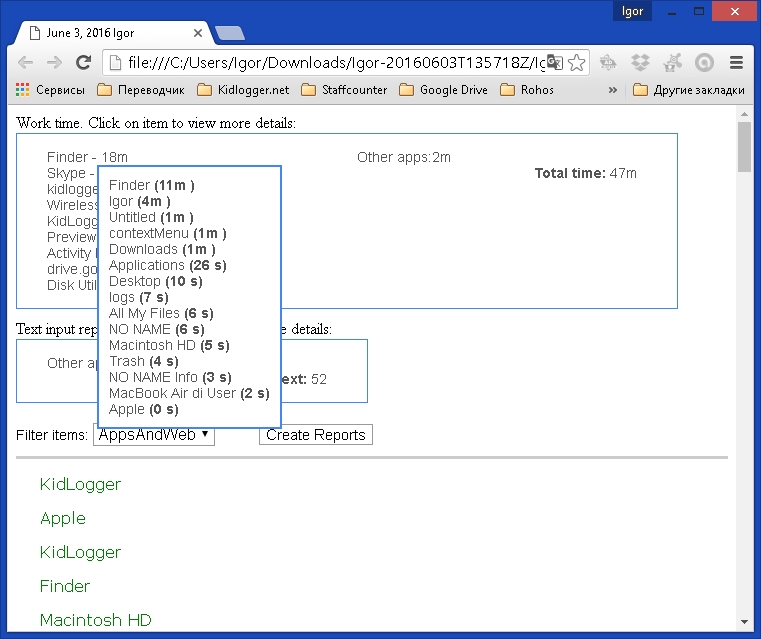
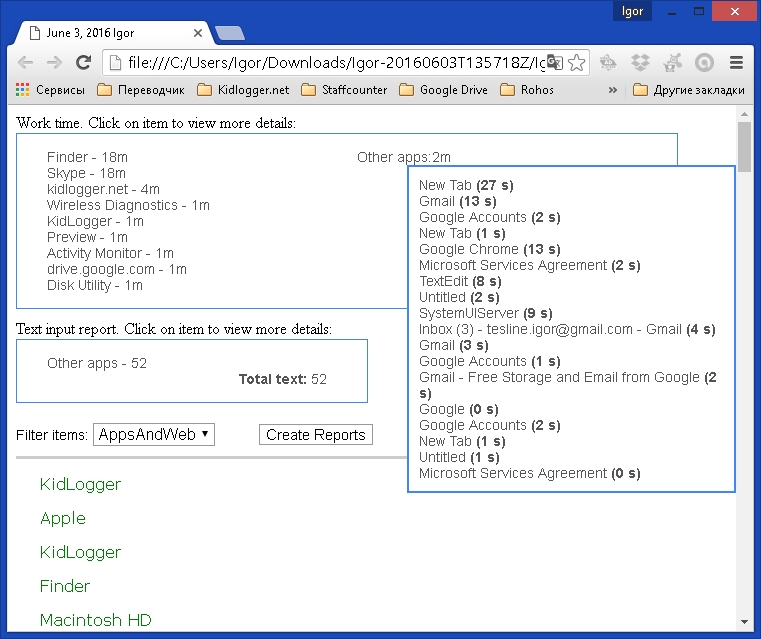
By moving the cursor over an application name, you can obtain a more detailed report:
Di sini Anda dapat menemukan tutorial, artikel, dan pengumuman tentang KidLogger SAS: fitur baru apa yang telah kami terapkan, cara menginstal KidLogger, dan cara mengatur pemantauan pengguna untuk berbagai platform seperti Windows, Mac, Android.
Kami dengan senang hati mendengar saran Anda tentang cara meningkatkan KidLogger.